NAU has one of the best forestry schools in the nation
Our forestry program is a gateway to a fulfilling forestry career; it’s also an invitation to create sustainable solutions for the natural world and outdoor enjoyment for years to come. Northern Arizona University’s School of Forestry is:
- a national and international leader in natural resource education and forest research
- in a state with six climate zones, including five life zones within 50 miles of the Flagstaff campus
- our program has one of the most diverse faculty in North America
- nationally accredited by the Society of American Foresters
- a program that may lead to professional licensure or certification in certain states. Information on requirements for forestry licensure and certification can be found at NAU’s Professional Licensure by State table
Interesting things in the School of Forestry
Explore our degrees
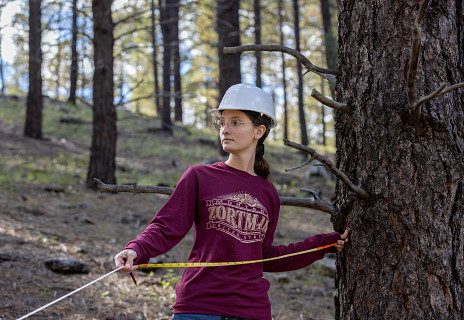
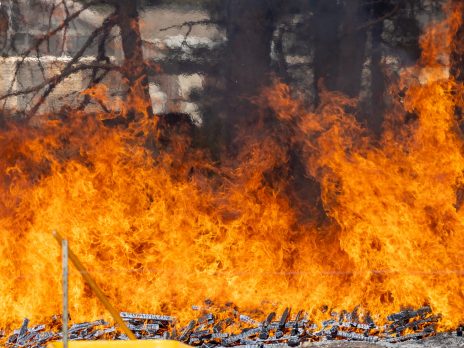
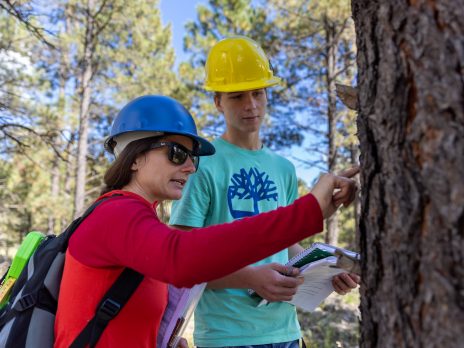
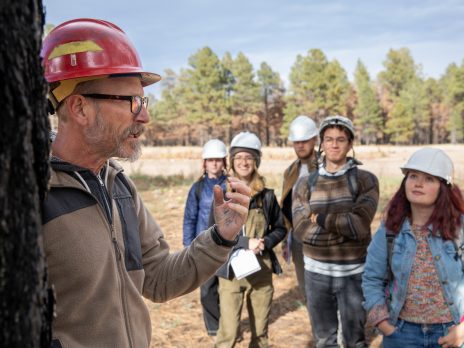
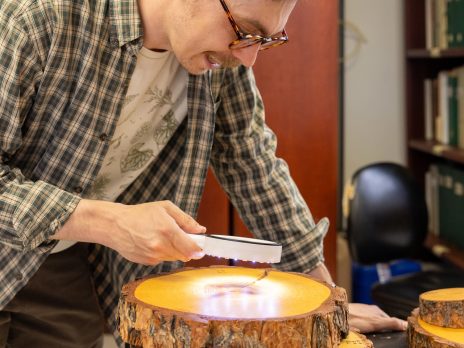
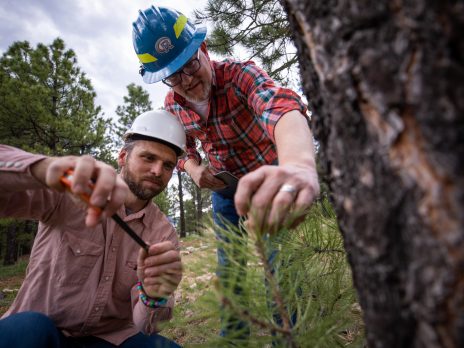
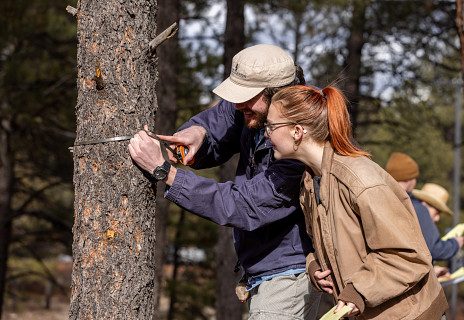
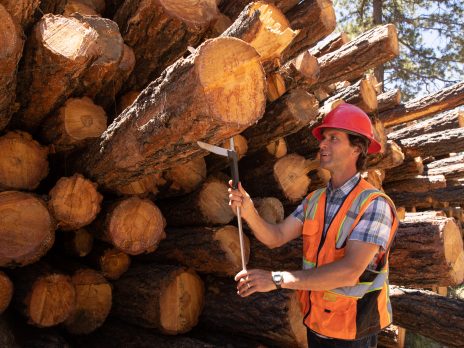
Why study forestry at NAU?
Students pursuing forestry degrees benefit from a natural environment that includes the world’s largest ponderosa pine forest, the highest mountain range in Arizona, and the red rock country of Sedona—all conveniently located close to Flagstaff. You’ll study with distinguished scientists who are recognized leaders in forestry, and who share with students their knowledge and expertise. In addition, a low student-faculty ratio means personal interaction, attention, and advice that you simply won’t find in programs with larger classes.
- NAU’s 46,910 acre research forest, the largest in the western US, provides a living laboratory for students and scientists.
- Our research labs offer students a chance to work with scientists who are nationally and internationally recognized experts in their emphasis areas.
- Our clubs and organizations offer students professional training, interaction with forestry experts, public service projects, and opportunities to socialize with other students.
- We offer over 50 scholarships (>$200,000) a year to our forestry students. For more information about our scholarships, visit https://nau.edu/forestry/scholarships/